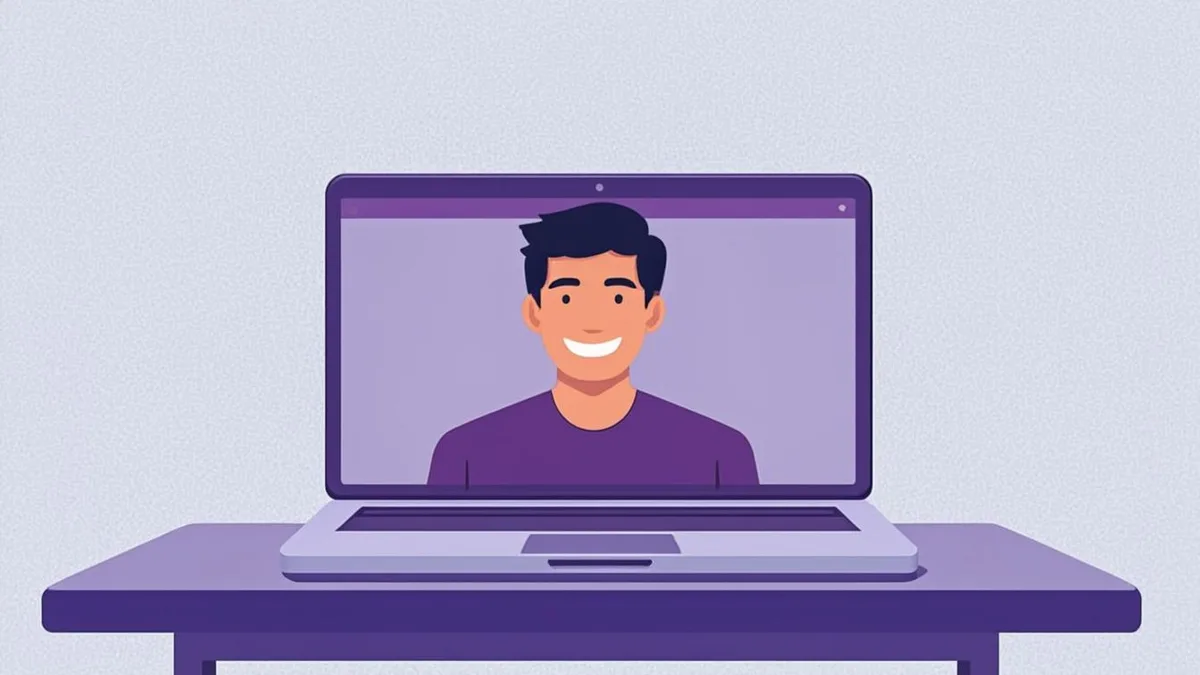
A surprising number of professional opportunities now begin in a place where your photo appears before your words do: a LinkedIn connection request, a team directory, a conference speaker page, an email thread with a client. A professional profile picture has quietly become a piece of career infrastructure — and AI generators have made one something you can produce in minutes instead of booking a photographer. The catch: professionalism is a set of specific choices, not a filter. Here are those choices.
What makes a profile picture read as professional?
Across industries, the same visual signals consistently read as credible:
- A clear, front-facing subject — head and shoulders, eyes toward the camera.
- Controlled lighting — even and flattering, without harsh shadows or blown-out highlights.
- A calm, uncluttered background — neutral studio tones, a soft office blur, or a simple gradient.
- Deliberate attire — clothing that matches the norms of your field.
- A composed expression — usually a subtle smile; relaxed, not a frozen grin.
None of this requires a studio anymore, because the AI constructs these elements from your photo. What it does require is a good source image and the right settings — which is exactly what the next sections cover. The Professional AI Avatar tool pre-configures most of them for you.
Attire and expression: choosing for your field
Professional norms are not identical everywhere, so match your settings to your context rather than to a generic ideal:
- Corporate, finance, law: structured attire (a blazer or collared shirt reads well), a Professional or Confident expression, Studio background, Studio or Soft lighting. Think "trustworthy and composed."
- Tech, startups, creative agencies: the range widens. A collared shirt works, but so does a clean t-shirt if the background and lighting stay controlled. Natural lighting and a Friendly expression keep you approachable.
- Academia, healthcare, public sector: understated wins. Neutral backgrounds, Soft lighting, a subtle smile. Avoid anything that looks styled for a magazine cover.
One honest note: the AI renders attire as part of its interpretation of your photo. If you upload a picture wearing a t-shirt and request a studio look, results vary in how strongly the outfit transforms. Uploading a photo where you are already dressed the way you want to appear gives the model the most material to work with — and produces the most believable results.
Backgrounds and lighting that work
For professional contexts, three settings cover 95 percent of cases:
- Studio background + Studio lighting — the classic headshot formula. Clean, timeless, universally appropriate.
- Office background + Natural lighting — adds environmental context, ideal for "About the team" pages.
- Gradient background + Soft lighting — modern and slightly more designed; popular with independent consultants and creators who want polish with personality.
Reserve Cinematic lighting and Original backgrounds for personal accounts; they photograph beautifully but can look dramatic in a company directory. If you want to experiment with settings beyond the basics, the AI Headshot Generator exposes the full set of background and lighting presets.
Professional vs. casual avatars: know the difference
A casual avatar optimizes for personality: bold styles, expressive colors, playful framing. A professional profile picture optimizes for trust: controlled palette, stable composition, an expression that says "easy to work with." The mistake people make is using one image for both worlds — an anime PFP on a client proposal, or a stiff studio portrait on a friendly community server. Build both from the same source photo; it takes two generation runs, not two photoshoots.
Where to use your professional picture
- LinkedIn — the highest-value placement by far; see our dedicated guide to creating an AI LinkedIn profile picture for platform-specific norms.
- Company team pages and internal directories — consistency across a team looks remarkably organized.
- Email signatures and Gravatars — your photo follows your comments and emails.
- Speaker bios, conference apps, and press kits — event organizers will ask eventually; have it ready.
- Freelance profiles — clients consistently respond to a real, credible face.
A professional AI profile picture is one of the highest-leverage five-minute tasks you can complete this week. Upload a well-lit photo where you look the way you want to be seen, set Studio background with Soft or Studio lighting, choose a Friendly or Professional expression, and download the PNG — free, no signup, at AvatarForge's AI Avatar Generator. Your future inbox will quietly thank you.