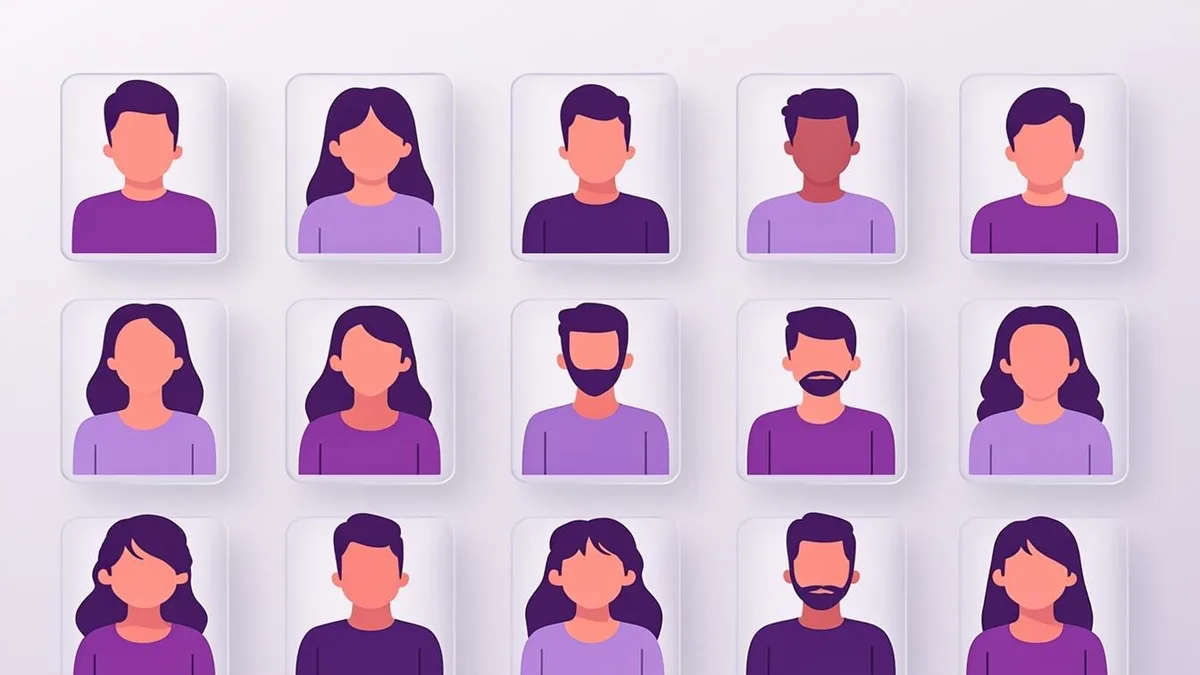
Ever uploaded a selfie and wished it looked like a polished piece of art instead of a rushed phone snapshot? That is exactly the gap AI avatar generators fill. In a few minutes, a single photo can become a stylized portrait, an anime character, or a clean professional headshot — no camera crew, no design software, no subscription. This guide explains what these tools actually do, how they work under the hood, and how to judge whether one is right for you.
What exactly is an AI avatar generator?
An AI avatar generator is a web tool that transforms a photo of you — or a text description of a fictional person — into a stylized digital portrait called an avatar. Unlike cropping your picture in a photo editor, the output is not your original image with a filter slapped on top. The AI studies the structure of your face and re-renders it in an entirely new visual style while keeping your recognizable features.
Most modern generators, including the free AI Avatar Generator on this site, work from a single uploaded photo and offer a handful of controls that shape the result: style, background, lighting, expression, and framing. The whole process usually takes under a minute: your photo is uploaded from your browser, processed by the generator's AI generation service, and the finished avatar is returned to the page — with nothing to install.
How do these tools actually work?
Under the hood, most avatar generators use diffusion-based image models — the same family of AI models that powers modern text-to-image systems. In simple terms, the model has learned visual patterns from enormous amounts of imagery and can gradually "sculpt" a new image out of visual noise until it matches a goal.
When you upload a photo, the tool combines it with a style prompt (for example: "anime portrait, soft cel shading, studio lighting") and the model produces a new image that follows both signals: your face as the subject, the prompt as the artistic direction. We cover this in more depth in How AI Avatar Generation Actually Works, but the key idea is simple: the AI is re-imagining you in a new style, not copy-pasting your pixels.
Photo-based avatars vs. fictional avatars
There are two broad families of AI avatars, and knowing the difference helps you pick the right tool:
- Photo-based avatars start from an image of a real person. The goal is a stylized version of you — recognizable, but rendered in anime, cartoon, 3D, or professional-studio style. This is what you want for profile pictures and personal branding.
- Fictional avatars are generated entirely from a description, with no source photo. These are useful when you want a persona — a mascot, a character for a game, or an anonymous identity for forums where you would rather not show your face.
If privacy is a concern, both approaches have trade-offs worth understanding. A fictional character avatar never touches your real face at all, while a photo-based avatar keeps your likeness but restyles it. Photo-based tools usually need just one good image; fictional generators ask you to describe the person instead.
Popular styles you can generate
Style is where avatar generators get fun. The most common looks include:
- Professional headshots — studio-style portraits with neutral backgrounds, suited to LinkedIn and company pages.
- Anime and manga-inspired art — expressive eyes, cel shading, and dynamic framing.
- Cartoon and comic looks — bold outlines and flat, friendly colors.
- 3D renders — the glossy, Pixar-adjacent style popular on gaming platforms.
- Gaming and esports styles — neon accents, rim lighting, and dramatic contrast.
You can browse real examples of all of these in the Avatar Gallery before committing to one.
What people use AI avatars for
The use cases cluster into a few clear groups: social media identity (PFPs for Discord, Instagram, TikTok), professional presence (LinkedIn, email signatures, speaker bios), gaming and streaming (Discord servers, team rosters, channel art), and creative projects (fictional characters, avatars for stories, gifts). Because generation is fast and free on tools like AvatarForge, many people keep several avatars — a polished headshot for LinkedIn and a playful anime version for gaming chats.
What to look for in a good generator
Not all tools are equal. Before uploading your photo anywhere, check for:
- Transparent, honest pricing — free and clearly labeled, with no surprise paywalls before you can download.
- No forced signup — you should be able to generate and download without creating an account.
- Real customization — style presets plus background, lighting, and expression controls, not a single fixed output.
- Clear privacy statement — you should know whether your photo is stored or processed temporarily.
- Speed and mobile support — a good tool works just as well on a phone during a lunch break.
Limitations worth knowing
AI avatars are impressive, but honesty matters: likeness varies. The AI interprets your face, and results are best described as artistic interpretations rather than exact replicas. Occasionally a generation will miss a detail like glasses or a hairstyle, and regenerating is normal. Fine text and very small logos are also unreliable, and most tools export flat PNGs rather than transparent-background cutouts. None of these are deal-breakers — they are just the current reality of the technology, and knowing them up front prevents disappointment.
If you are curious where to start, the simplest path is to open the AI Avatar Generator, upload a well-lit photo, and try two or three different styles. It is free, requires no signup, and gives you a much better feel for the technology than any article can — and the underlying mechanics are covered in the rest of this guide.