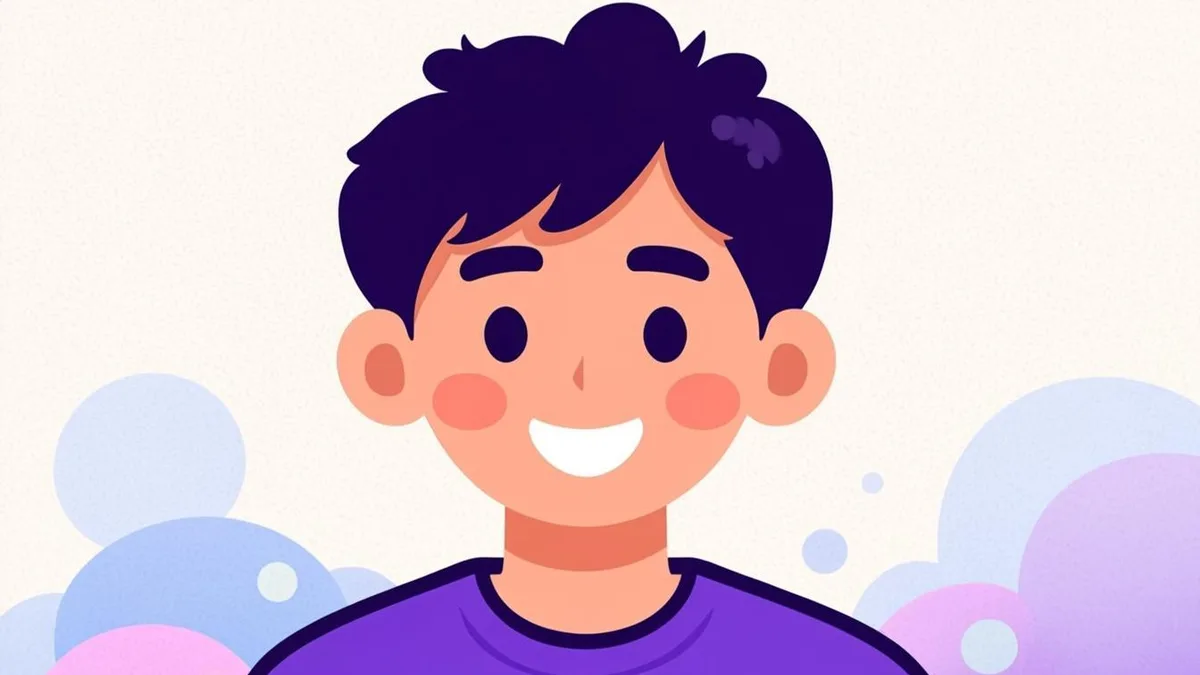
There is a reason cartoon avatars have been a staple of the internet since before "avatar" was a common word: they are approachable, they age well, and they let you present a friendlier, slightly idealized version of yourself without hiding who you are. With an AI generator, the classic "cartoon version of me" is no longer a commission from an illustrator — it is an upload and a couple of clicks. Here is how to get a result worth keeping.
Cartoon styles: cute vs. comic (and what's between)
"Cartoon" is a big umbrella, and knowing which corner of it you want saves regenerations:
- Cute / kawaii-leaning — rounded shapes, soft pastel or warm palettes, simplified features, an overall softness. Reads friendly and gentle; the default vibe for personal accounts and community spaces.
- Comic / graphic — sharper lines, higher contrast, more angular shapes, punchy colors. Reads confident and energetic; popular with creators, podcasters, and anyone whose brand has opinions.
- Modern animation — the look of contemporary TV animation: clean vector-like edges, expressive but controlled features. A strong middle ground and the safest crowd-pleaser.
None of these require choosing perfectly up front. Generate one from each family with the same photo and the difference is instantly clear — it costs you two minutes.
The visual ingredients: outlines, flat colors, shapes
Three techniques define the cartoon look, and understanding them helps you judge results:
- Bold outlines. Cartoon art typically outlines forms with confident dark lines, which is why cartoon avatars stay readable at tiny sizes — the outlines survive shrinking better than photographic detail.
- Flat color fills. Instead of photographic shading, colors arrive as clean blocks with minimal gradient. This gives cartoon avatars their crisp, poster-like quality.
- Exaggerated but anchored features. The best cartoon renditions exaggerate selectively — slightly bigger eyes, slightly simplified nose — while keeping your actual face proportions recognizable. If a result exaggerates everything, likeness drifts; regenerate.
These are exactly the properties AI cartoon models apply when they re-render your photo in the AI Cartoon Avatar Generator.
Creating your cartoon avatar, step by step
- Use a clear, front-facing photo. A neutral-to-smiling expression with even light gives the model the cleanest structure to stylize.
- Upload to the generator and pick a cartoon preset.
- Set the background to match your use. Solid and Gradient backgrounds are ideal for PFPs; Nature or City adds scene flavor for bigger display contexts.
- Choose Friendly or Creative expression for the cute family, Confident for the comic family.
- Framing: Square for uploads; Circle to preview round-crop platforms; Rounded for a soft card look.
- Generate, then check the likeness anchor — hair, face shape, and any signature features like glasses or freckles.
- Download the PNG when one lands. Free, no signup, standard file.
Two or three attempts is a normal cadence, not a sign the tool is struggling — cartoon styles deliberately reinterpret, so variation between runs is high.
A word on the one result type worth rejecting: the generic output. If a cartoon render could belong to anyone — no hairstyle, no signature features, no expression — it has failed at the one job a cartoon avatar has. Push back with a better source photo and a closer crop, because likeness in cartoon styles is anchored almost entirely to the structural cues (face shape, hairline, glasses) that survive stylization.
Where cartoon avatars shine
- Discord, group chats, and community servers — cartoon PFPs read as warm and active, and survive round crops beautifully. For sizing specifics on that platform, see our Discord PFP guide.
- YouTube and channel branding — an illustrated face is instantly recognizable next to thumbnails; our YouTube profile picture guide covers the small-size test in detail.
- Team pages and "about us" sections — a set of cartoon avatars in one shared style makes any team look coordinated without a company photoshoot.
- Kids' spaces, family projects, and gifts — cartoon self-portraits are a reliably delightful gift and sidestep the awkwardness of real photos for private accounts.
A cartoon avatar occupies the sweet spot between anonymity and presence: recognizably you, gently idealized, endlessly friendly. Upload a good photo to the AI Cartoon Avatar Generator, pick your corner of the cartoon umbrella, and give your profiles the illustrated upgrade — free, in about the time it takes to finish a coffee.