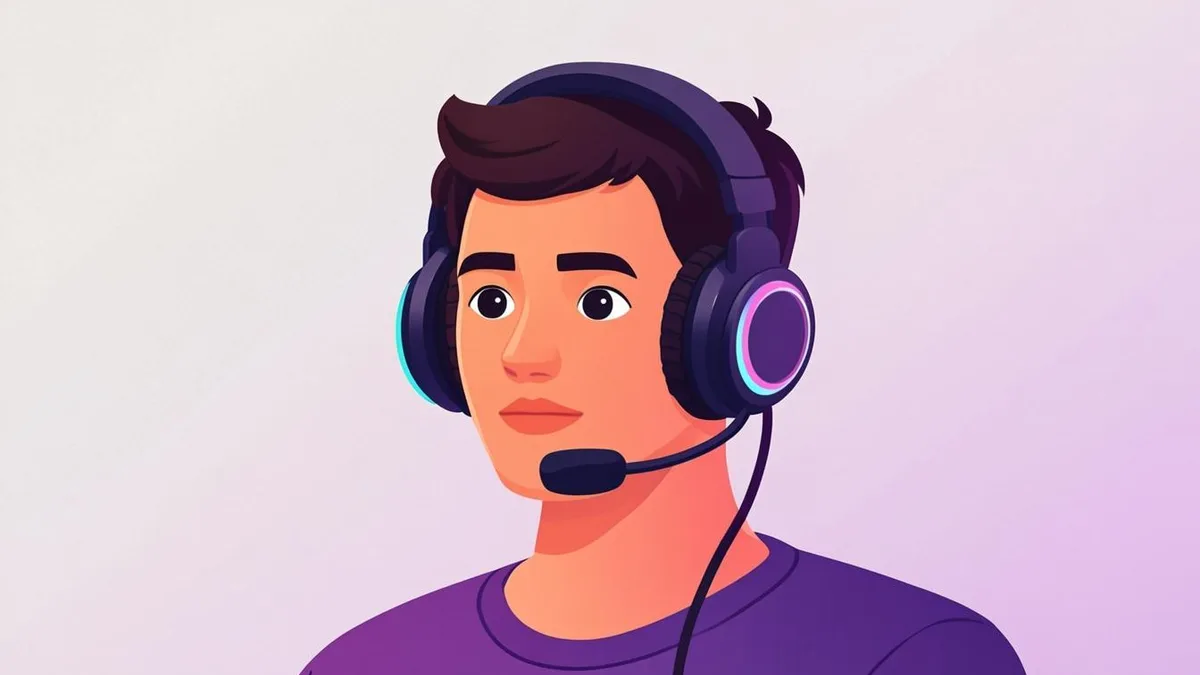
Every gaming community has those avatars you remember after the session ends — the ones that look like they belong on a team banner. They are not accidents. Gaming identity is visual identity: your avatar appears next to every clutch play, every message in the server, every tournament roster. Here is how to build one with the same deliberate energy, using an AI generator and a few styling decisions that matter.
What makes a gaming avatar work
Gaming avatars follow a slightly different rulebook than social media portraits. The best ones share three traits:
- Intensity over neutrality. A gaming avatar should project something — confidence, menace, focus, chaos. The Friendly-and-approachable rules of LinkedIn do not apply here.
- Silhouette clarity. In dark-mode interfaces (which most gaming platforms are), your avatar must separate cleanly from a near-black background. Bright subjects, defined edges, and contrast do that work.
- Personality consistency. If your gamertag is aggressive, the avatar should be too. The image and the name tell one story together.
You are building a small piece of personal branding, whether or not you ever stream to an audience.
Color and lighting: neon, rim light, and contrast
This is where gaming styling diverges from everything else. The tools that create presence:
- Neon accent colors — electric violet, hot pink, acid green, cyan-orange duotones. One or two accents, not a rainbow. The AI's Gaming background preset bakes these in naturally.
- Rim lighting — a bright edge outlining your figure against a dark background. It is the single most effective trick for making an avatar "pop" in dark mode, and the Cinematic lighting option approximates it.
- Deep backgrounds with bright subjects — dark scene, luminous face and edges. High contrast is the whole game.
- Deliberate color identity — if your clan colors are red and black, echo them. Rosters and squads look dramatically more cohesive when avatars share a palette.
Avoid the common trap of maximum saturation everywhere: the strongest gaming avatars use a controlled palette with one dominant glow.
Choosing a style preset
The AI Gaming Avatar Generator offers presets tuned for this look, and they map to three archetypes:
- Esports portrait — your real face, dramatic lighting, gaming-arena background. Best when you want to be recognizable as yourself while still looking like a competitor.
- 3D character render — the glossy, game-character treatment. Popular for players who want a persona distinct from their everyday face.
- Stylized dramatic portrait — exaggerated contrast and color for maximum presence in rosters and member lists.
Generate your source photo through two of them and compare at thumbnail size in an actual dark-mode app — the winner is often obvious within seconds. If you want to push the persona further, the AI 3D Avatar Generator renders a full game-character interpretation of your photo.
Matching your avatar to the platform
Different gaming spaces crop and display avatars differently:
- Discord — circular crops, tiny display sizes, dark theme. Center your face, embrace strong contrast, and keep critical details away from the edges. Our step-by-step for a Discord PFP covers the platform specifics.
- Steam — square avatars shown small; bold, simple images outperform detailed ones.
- Streaming and team contexts — think ahead: your avatar may sit next to your channel name on overlays, panels, and roster graphics. A consistent color scheme pays off across all of it.
Whatever the platform, the test is identical: shrink the image to 40 pixels on a dark background. If identity survives, the avatar works.
From photo to avatar, quickly
The workflow is the standard four steps with gaming-tuned settings. Start with a photo that has some attitude — a slight scowl, intense eyes, or a grin both work better than a flat expression. Upload it to the AI Gaming Avatar Generator, pick the Gaming background and Cinematic lighting, choose Square or Circle framing depending on your main platform, and generate. Expect to run it two or three times; the difference between a good result and a great one is usually a single regeneration.
Your avatar is the first thing teammates see and the thing they associate with your name for years. Five minutes of styling choices is a good trade for that. Head to the generator, pick your palette, and forge the version of you that looks like it just queued up for a final match.